Your personal settings are under Tasks → My settings (arrow next to New task). They apply only to you and only in the current company.
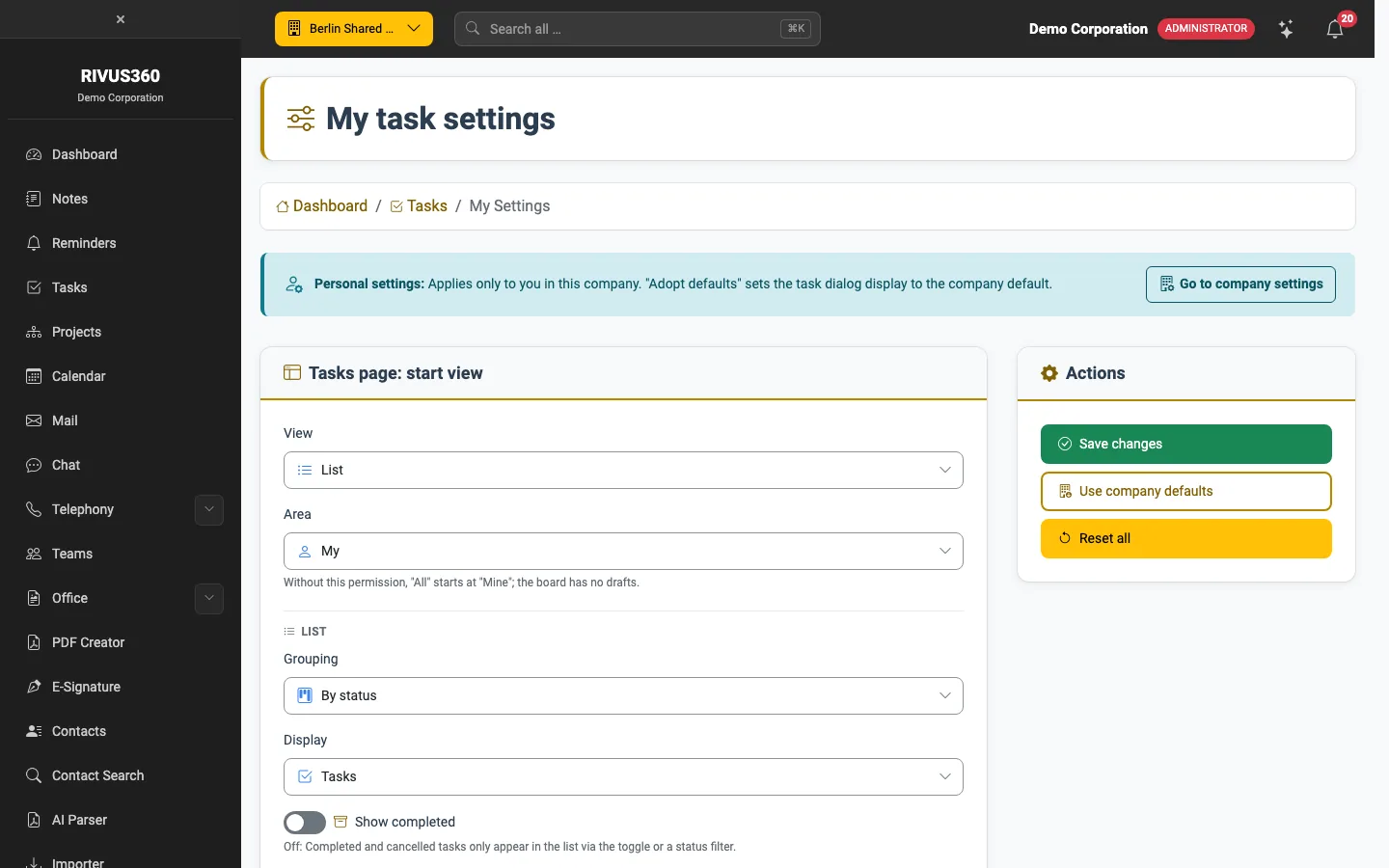
Tasks page: start view
- View: List or Board.
- Scope: Mine or All. Without the permission to see all tasks, "All" starts at "Mine".
- List: grouping (By status / By date), showing subtasks, Show completed.
- Board: how cards are ordered in the columns.
- Default priority of new tasks and sorting of the list.
Task dialog
Whether the Customers, Employees and Teams & groups sections start expanded. Next to each switch you see your company's default.
Notifications
- when a task is assigned to you,
- when the status of an assigned task changes,
- on a new comment,
- before the due date – you choose how many hours in advance.
Apply defaults resets the dialog display to the company default, Reset everything all your settings.
Your administrator maintains the company defaults: Tasks: company settings.