Under Profile (bottom of the side menu or click your name) you set how the platform looks and calculates for you.
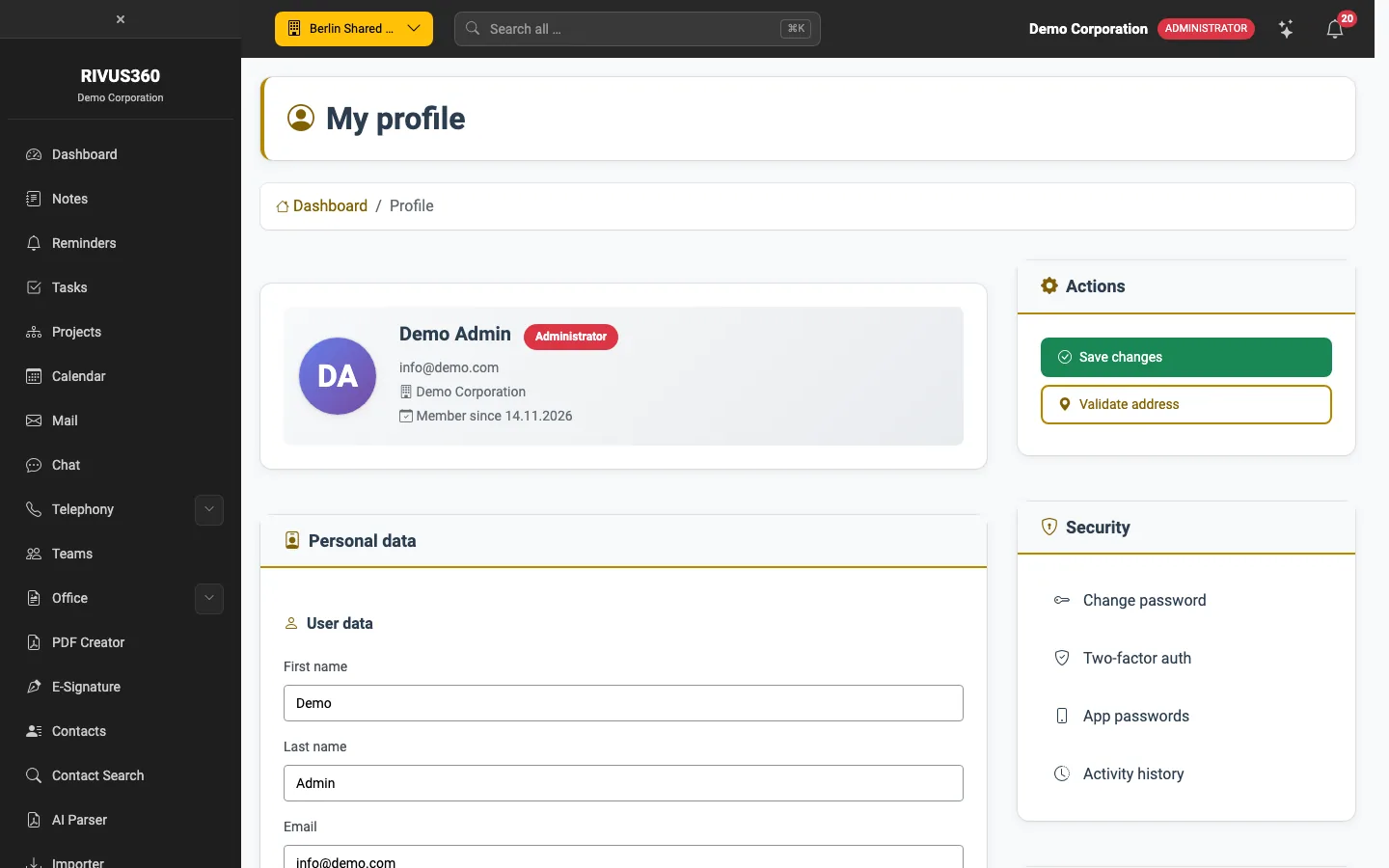
Settings
| Field | Effect |
|---|---|
| Language | Language of the whole interface. Applies as soon as you save. |
| Country and Time zone | Basis for times, due dates and reminders. |
| Date format | e.g. DD.MM.YYYY (15.11.2026) or YYYY-MM-DD. |
| Appearance | System follows your device, Light or Dark fixes it. Your choice overrides the company default and applies on every device. |
| Default company at login | This company is selected after signing in. |
| Address (home office) | Optional, e.g. for trips and maps. Check it with Validate address. |
Save with Save changes on the right under Actions.
Security
The Security box contains:
- Change password
- Two-factor auth – also protect sign-in with an authenticator app. Recommended.
- App passwords – see App passwords
- Activity history – your recent sign-ins and changes
Tip: You can also switch between light and dark at the bottom right in the footer.