The Notes app is your notebook in the platform: meeting notes, ideas, minutes. Notes can be filed in folders, shared with colleagues and attached to contacts, projects or other records.
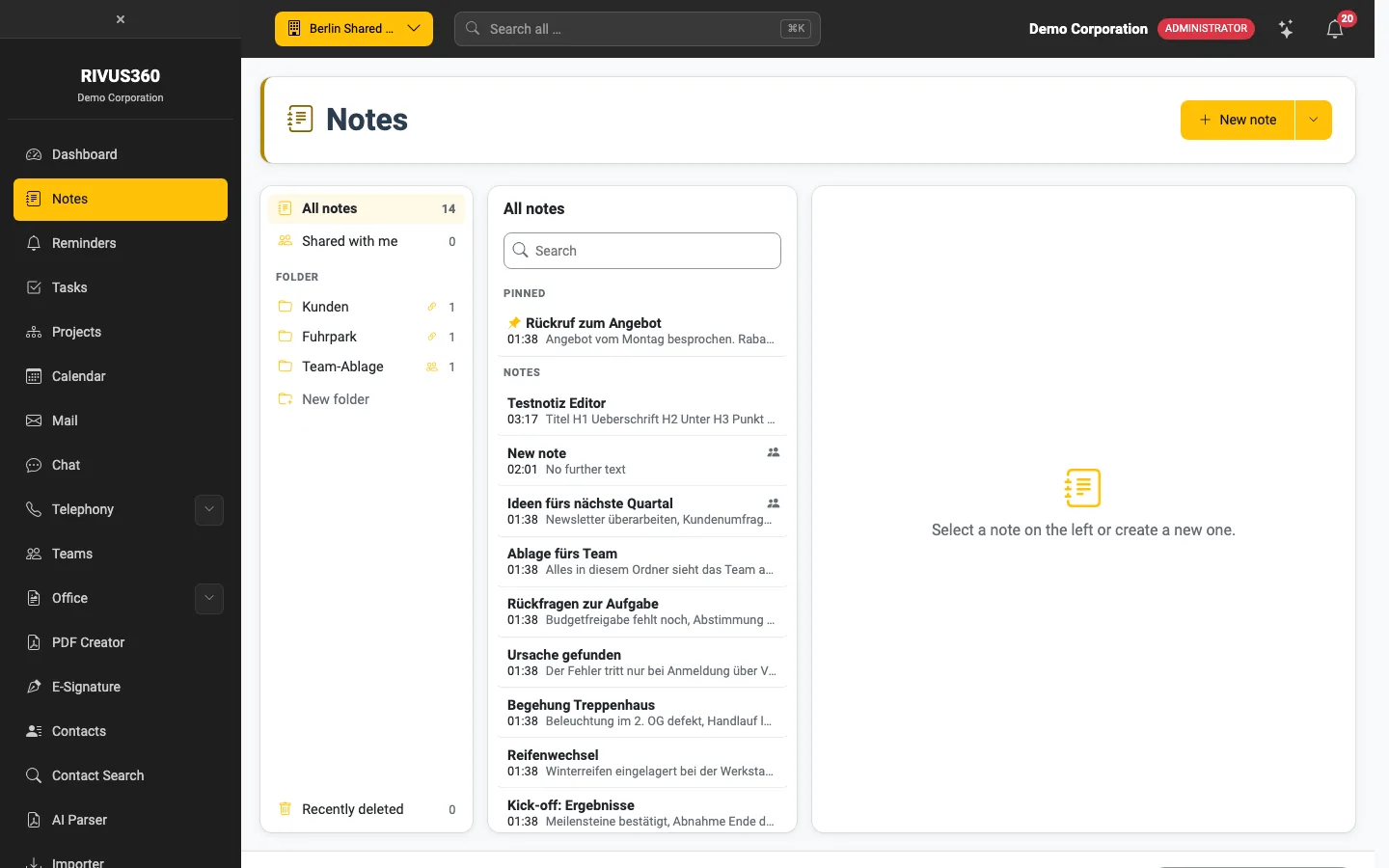
Three columns
- Left – storage - All notes: everything you may see. - Shared with me: notes others have shared with you. - Folders: your own and shared folders. A chain icon shows that the folder is linked to a record, a people icon that it is shared. New folder creates one. - Recently deleted: the trash.
- Middle – list with search. Pinned notes are at the top.
- Right – editor for the selected note.
Create a note with New note – see Write a note.