Notes can be synced with lists from your accounts – for example Notes on Mac/iPhone (via an IMAP mailbox) or OneNote (via Microsoft 365). Entries then appear together in Notes; your changes go out immediately, changes from the device are fetched at the configured interval.
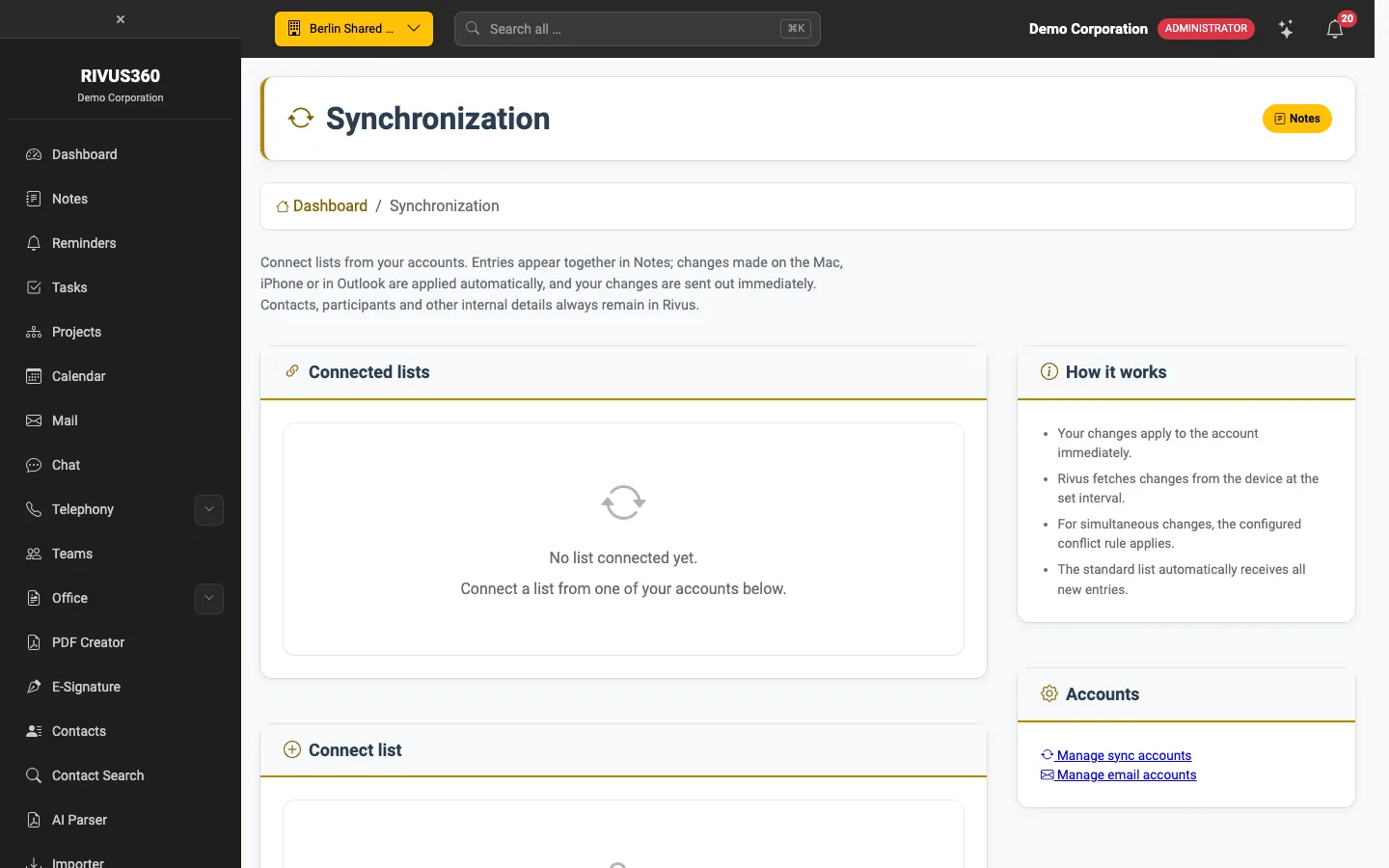
Connect a list
- Open Notes → Synchronisation.
- You need an account with the Notes area enabled: a sync account or a mail account with synchronisation switched on. If there is none, a notice with links to Sync accounts and Mail accounts appears here.
- Under Connect list, choose the list from the account.
Contacts, attendees and other internal details always stay in the platform. If changes happen at the same time, your company's conflict rule applies.
Note: Whether and with which providers syncing is allowed is decided by your administrator – see Allow synchronisation and Set up mailboxes.