Use Board at the top right to switch from the list to the card view.
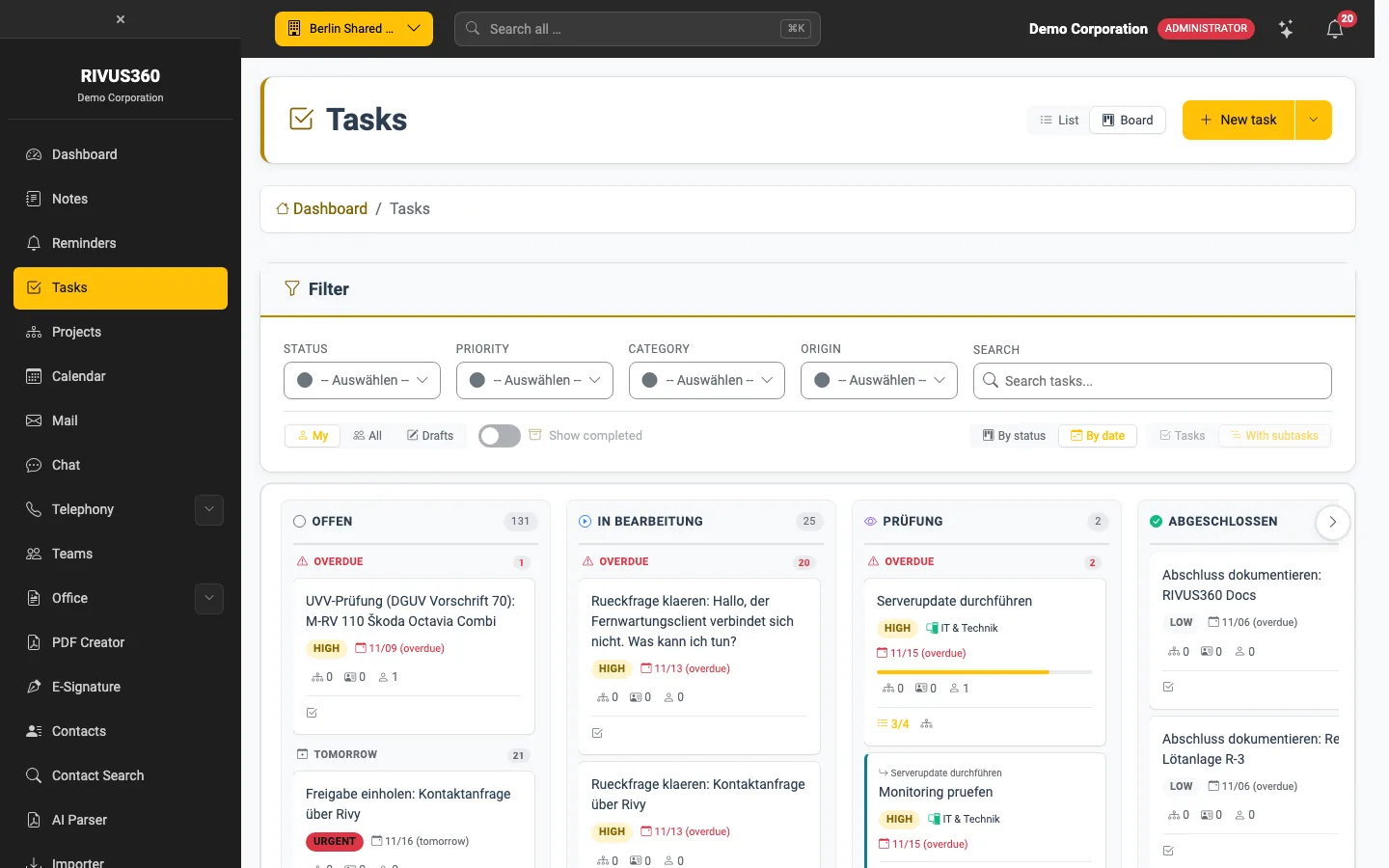
- Each column is a status: Open, In progress, Review, Completed. The number in the header counts its tasks.
- Within a column the board groups by due date: Overdue, Today, Tomorrow, later.
- A card shows title, priority, category, due date, subtask progress and the number of participants.
- Drag a card to another column to change its status. A click opens the task.
The filters at the top also apply on the board. Drafts do not appear on the board.
Tip: Whether the page always starts on the board is set in your My task settings.